Digital Waiting Room

Check in, wait, get called by video.

Very simple: add a link on your website and get started. Patients see their position and estimated wait time and are called in by video from the Doctor Portal.

Patient with a cup of tea waiting for her video consultation on a laptop
THE CHALLENGE

On-demand visits need a clear queue.

The virtual waiting room manages a queue for video consultations — without fixed appointment slots.

Position and wait time visible

Patients see their position and the estimated wait time.

Fair order

The queue is first-come, first-served — optionally with a preferred doctor.

Hosted in Frankfurt

Video content is not stored. Conversations are not recorded.

Our solution

How the digital waiting room works

Appointment card for a video call with a join option

Check in

Via your public link on your website — or via the Management API or self-registration in your own interface.

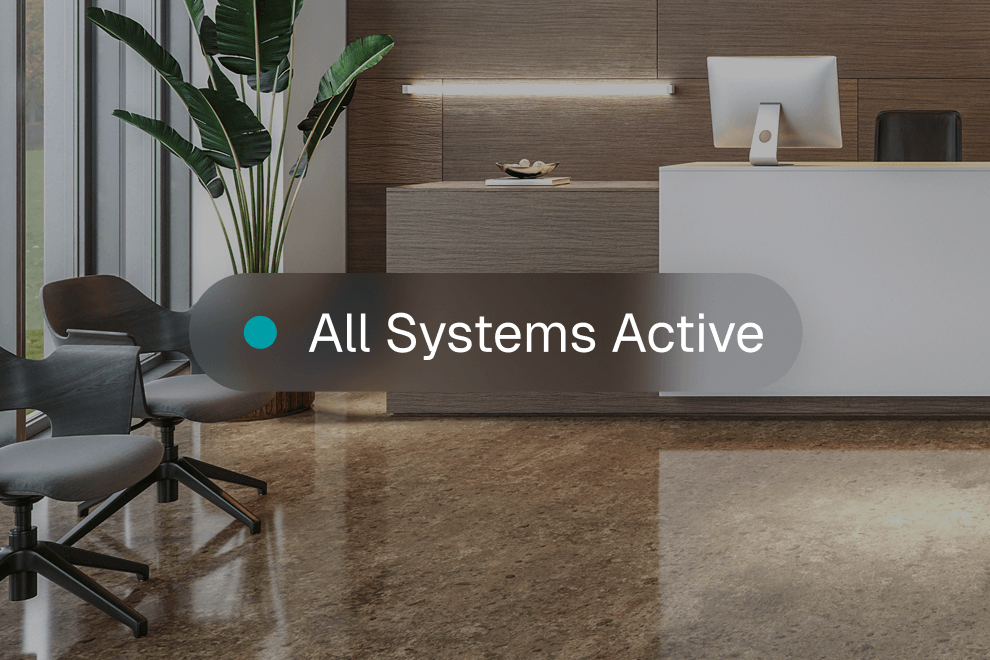
Clinic reception with an all systems active status

Wait

Patients are served in order of arrival (FIFO). Position and estimated wait time are visible.

Daily schedule of video consultations with a join button

Pick-up in the Doctor Portal

Doctors call in the next patient from the RxScale Doctor Portal.

Video call with a doctor and controls for microphone, camera and hang-up

Video starts automatically

Once called, the video consultation starts automatically — no separate app needed.

How it works

How you add it

Activation happens together with your RxScale contact.

1

Public link

Add a link on your website and get started.

2

Optional: Management API

Register, check status and cancel (register, status, cancel) directly from your platform.

3

Own branding

Own branding and a custom domain are optional as an add-on.

Key Benefits

For your team: the queue at a glance.

  1. See the queue
  2. Monitor wait times
  3. Manage capacity across available doctors
  4. Optional preferred doctor

Fixed slots run through scheduling, the visit itself through video consultations. For medical practices: digital waiting room for practices. The offer is agreed individually: book an intro call. References: So Lean and Prio One.

Woman in a video consultation with a doctor on a laptop

Frequently asked questions

How do I add the digital waiting room?

Add a link to your website and you're ready to go. Alternatively, you can connect via API or self-registration. Your own branding and a custom domain are available as an optional add-on.

Do patients see their waiting time?

Yes. Patients see their position in the queue and an estimated waiting time.

In what order are patients called?

First come, first served – optionally taking a preferred doctor into account.

What happens when a patient is called?

As soon as a doctor calls the patient, the video consultation starts automatically.

Are consultations recorded or video content stored?

No. Consultations are not recorded and video content is not stored. Hosting is in Frankfurt.

Do I need fixed appointment slots?

No. If you want to offer fixed slots, use appointment scheduling.

How much does it cost?

Your offer is agreed individually. Book an intro call to discuss it.

Get to know RxScale in an intro call

In 30 minutes we'll show you how this feature fits into your telemedicine platform and talk through your requirements. Your offer is agreed individually.

Our solution

How the digital waiting room works

Check in

Via your public link on your website — or via the Management API or self-registration in your own interface.

Wait

Patients are served in order of arrival (FIFO). Position and estimated wait time are visible.

Pick-up in the Doctor Portal

Doctors call in the next patient from the RxScale Doctor Portal.

Video starts automatically

Once called, the video consultation starts automatically — no separate app needed.

Our solution

How the digital waiting room works

Appointment card for a video call with a join option

Check in

Via your public link on your website — or via the Management API or self-registration in your own interface.

Clinic reception with an all systems active status

Wait

Patients are served in order of arrival (FIFO). Position and estimated wait time are visible.

Daily schedule of video consultations with a join button

Pick-up in the Doctor Portal

Doctors call in the next patient from the RxScale Doctor Portal.

Video call with a doctor and controls for microphone, camera and hang-up

Video starts automatically

Once called, the video consultation starts automatically — no separate app needed.

How it works

How you add it

Activation happens together with your RxScale contact.

1

Public link

Add a link on your website and get started.

2

Optional: Management API

Register, check status and cancel (register, status, cancel) directly from your platform.

3

Own branding

Own branding and a custom domain are optional as an add-on.