Video Consultations

In your platform, ready with one link.

Setup is very simple: add a link on your website and get started. Patients join via a browser link — no separate RxScale app or account.

Woman in a video consultation on her laptop
THE CHALLENGE

Video consultations shouldn't make your platform more complicated.

RxScale provides video consultations inside your white-label telemedicine infrastructure. Doctors run the visit in the RxScale Doctor Portal.

No separate app

Patients join via a browser link — no separate RxScale app or account. All they need is a modern browser (Chrome, Firefox, Edge or Safari), camera and microphone permission and a stable internet connection.

Hosted in Frankfurt

Video content is not stored. Conversations are not recorded.

Clear roles

RxScale is software infrastructure for digital self-pay offerings under your brand — not a doctor or pharmacy network. RxScale can work with licensed doctors. The medical decision rests solely with the treating doctor.

Our solution

How you go live

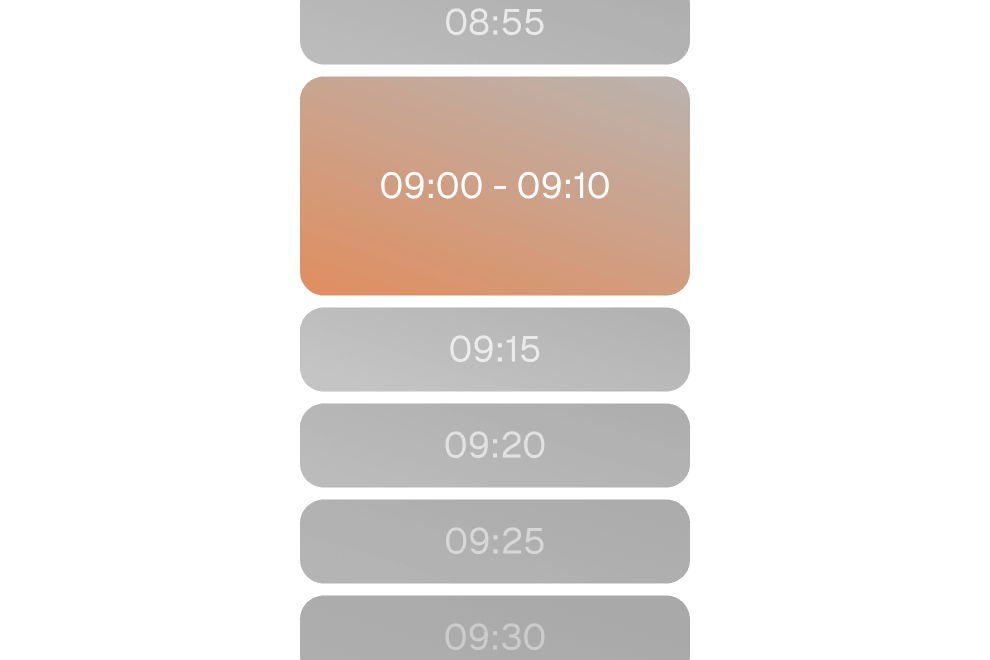
Selectable appointment time slots

Link on your website

Publish a public booking link — for your shop, an appointment type and optionally a specific doctor — on your website, in your bio or in your email signature.

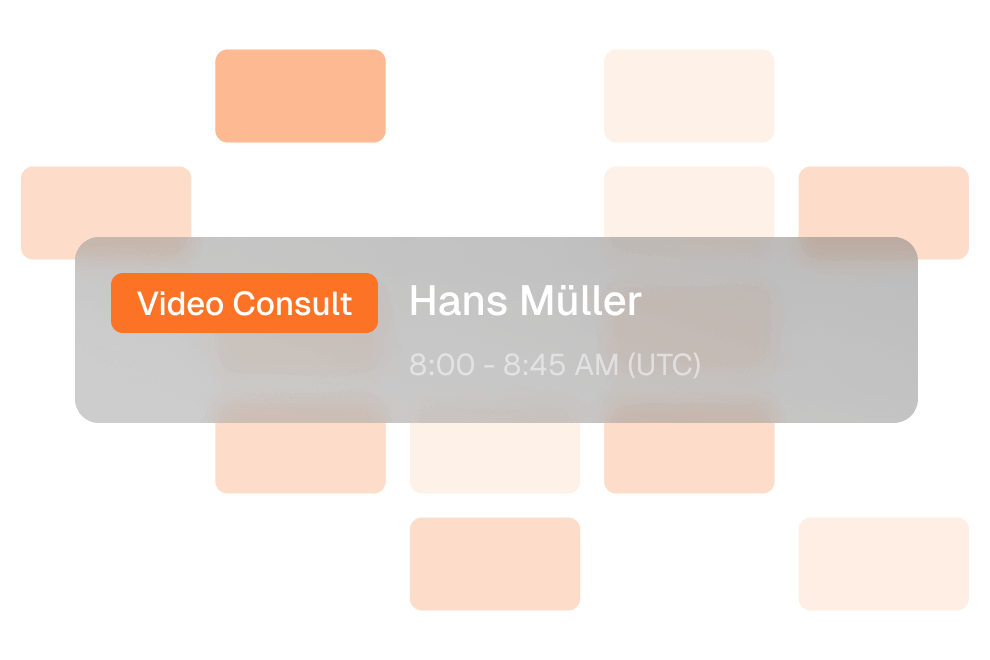
Calendar grid with a booked video consultation

Optional embed widget

Alternatively, embed the booking widget on your website via script (meet.rxscale.com/booking-widget.js).

Appointment card for a video call with options to reschedule or join

Own branding

Logo, look and custom domain are optional as an add-on.

Daily schedule of video consultations with a join button

Doctors ready

Doctors manage their availability in the Doctor Portal. On-demand requests without an appointment run through the digital waiting room.

How it works

Two ways to consult

Scheduled or on-demand — both run inside your platform's workflow.

1

Scheduled

Patients pick a slot and receive the join link with confirmation and reminder. They can join from 10 minutes before the start until 60 minutes after the end.

2

On-demand

Patients queue in the digital waiting room. Once they are called, the video starts.

3

Inside your workflow

One click from the existing flow, connected to the appointment and patient context. Follow-up questions also work via chat. When appropriate, a private prescription and the patient's chosen pharmacy follow.

Key Benefits

Video consultations under your brand.

  1. Add a link and get started
  2. Scheduled or on-demand via the digital waiting room
  3. Hosted in Frankfurt, not recorded
  4. Own branding optional as an add-on

The offer is agreed individually: book an intro call. For medical practices with self-pay and private patients: video consultations for practices. References: So Lean and Prio One (over 100,000 patients).

Woman in a video consultation with a doctor on a laptop

Frequently asked questions

How do I add video consultations to my platform?

It's simple: add a link to your website and you're ready to go. You get a public booking link, and an embed widget is available as an option. Your own branding and a custom domain are available as an optional add-on.

Do patients need an app?

No. Patients join via a link in their browser – no separate RxScale app and no separate RxScale account.

Does every request have to be handled by video?

No. An online questionnaire or an in-person appointment are also possible. The treating doctor decides.

Can patients be seen on demand without an appointment?

Yes, via the digital waiting room. Patients join the queue and are called as soon as a doctor is available.

Are consultations recorded or video content stored?

No. Consultations are not recorded and video content is not stored. Hosting is in Frankfurt.

Who makes the medical decision?

Only the treating doctor.

How much does it cost?

Your offer is agreed individually. Book an intro call to discuss it.

Get to know RxScale in an intro call

In 30 minutes we'll show you how this feature fits into your telemedicine platform and talk through your requirements. Your offer is agreed individually.

Our solution

How you go live

Link on your website

Publish a public booking link — for your shop, an appointment type and optionally a specific doctor — on your website, in your bio or in your email signature.

Optional embed widget

Alternatively, embed the booking widget on your website via script (meet.rxscale.com/booking-widget.js).

Own branding

Logo, look and custom domain are optional as an add-on.

Doctors ready

Doctors manage their availability in the Doctor Portal. On-demand requests without an appointment run through the digital waiting room.

Our solution

How you go live

Selectable appointment time slots

Link on your website

Publish a public booking link — for your shop, an appointment type and optionally a specific doctor — on your website, in your bio or in your email signature.

Calendar grid with a booked video consultation

Optional embed widget

Alternatively, embed the booking widget on your website via script (meet.rxscale.com/booking-widget.js).

Appointment card for a video call with options to reschedule or join

Own branding

Logo, look and custom domain are optional as an add-on.

Daily schedule of video consultations with a join button

Doctors ready

Doctors manage their availability in the Doctor Portal. On-demand requests without an appointment run through the digital waiting room.

How it works

Two ways to consult

Scheduled or on-demand — both run inside your platform's workflow.

1

Scheduled

Patients pick a slot and receive the join link with confirmation and reminder. They can join from 10 minutes before the start until 60 minutes after the end.

2

On-demand

Patients queue in the digital waiting room. Once they are called, the video starts.

3

Inside your workflow

One click from the existing flow, connected to the appointment and patient context. Follow-up questions also work via chat. When appropriate, a private prescription and the patient's chosen pharmacy follow.